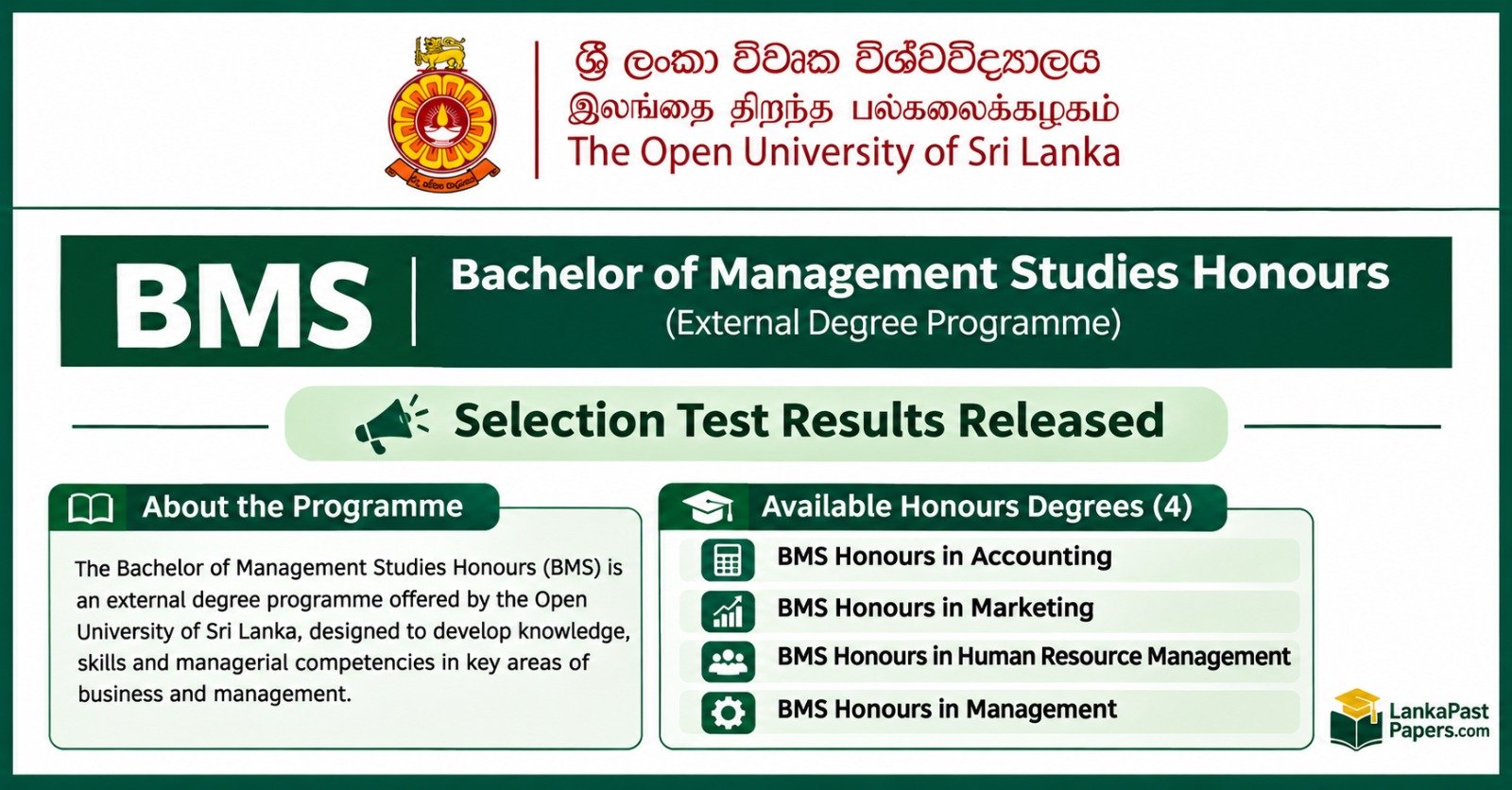
OUSL BMS Selection Test Results 2026 – Check Online
Bachelor of Management Studies Honours | Selection Test 2026/2027
Candidates who appeared for the OUSL BMS Selection Test 2026 can visit the official examination results portal of the Open University of Sri Lanka (OUSL) to check their result status. Select the relevant examination when it is available on the portal.
Use the university's official results service to find the BMS selection test and other published examination results.
OUSL BMS Results 2026 – Quick Summary
| University | Open University of Sri Lanka |
|---|---|
| Short Name | OUSL |
| Examination | BMS Selection Test |
| Year | 2026 |
| Academic Year | 2026/2027 |
| Programme | Bachelor of Management Studies Honours |
| Selection Test Date | 06 September 2026 |
| Result Checking | Official OUSL Portal |
Check OUSL BMS Selection Test Results 2026
Click the button below to access the official examination results page.
BMS Selection Test – Degree Categories
The OUSL Faculty of Management Studies offers four BMS Honours degree options. Candidates should look for their relevant programme in the official results listing.
All four categories use the official OUSL examination results portal. Individual result publication and availability may vary.
How to Check OUSL Results Online
- Visit the official OUSL examination results website.
- Find the relevant BMS Selection Test 2026 examination.
- Select your degree programme if separate categories are displayed.
- Enter the requested candidate identification details.
- Submit your details and view your result.
- Save or print the result if that option is provided.
Other OUSL Examination Result Categories
The OUSL Examinations Division handles several types of examinations. Depending on publication, students may find results for the following categories:
Other Degree Selection Tests
Students may also look for published selection test results for programmes such as Pharmacy, Medical Laboratory Sciences and other OUSL degree programmes. Availability depends on the examination and publication schedule.
Check Other OUSL Results →What to Do After Checking Your BMS Result
If your result confirms that you have been selected, carefully follow the official instructions issued by the Open University of Sri Lanka.
- Read the selection and registration instructions.
- Check the relevant programme and study centre.
- Prepare the required educational documents.
- Follow the official registration deadlines.
- Contact OUSL if you need clarification.
Selection test performance is an important part of the BMS admission process. Candidates should rely on official university notices for their final admission status.
Frequently Asked Questions (FAQ)
1. Where can I check OUSL BMS Selection Test Results 2026?
Visit https://ou.ac.lk/examination-results/ and select the relevant examination when available.
2. What is the official website for OUSL results?
The official Open University of Sri Lanka website is ou.ac.lk.
3. Can I check Accounting and Finance BMS results?
Yes, you can check the official portal for the relevant Accounting and Finance selection test listing.
4. Can I check Marketing Management and HRM results?
Visit the same official OUSL results portal and choose the appropriate published examination.
5. What should I do if my result is not displayed?
Check the examination selection and identification details. If the problem continues, contact the university.
6. Is the result checking service free?
The official results webpage is publicly accessible. Any separate charges for certified result documents are determined by OUSL.
Official OUSL Information
| Website | ou.ac.lk |
|---|---|
| University | The Open University of Sri Lanka |
| Location | Nawala, Nugegoda, Sri Lanka |
Sri Lanka Education & Results Updates
Follow our WhatsApp channel for university admission notices, selection test updates, examination results, government job vacancies and education news.
Join WhatsApp Channel →Candidates are advised to check their OUSL BMS Selection Test Results 2026 using the official university portal. Always follow the latest instructions issued by the Open University of Sri Lanka.